Inkbind

Book formatter for Windows

Format your book on Windows. No Mac, no internet.

For self-publishing authors: drop in your Word file, pick a style, and export a KDP-ready print PDF and an EPUB in minutes.

Free to try. Pro is $79 once, not a subscription.

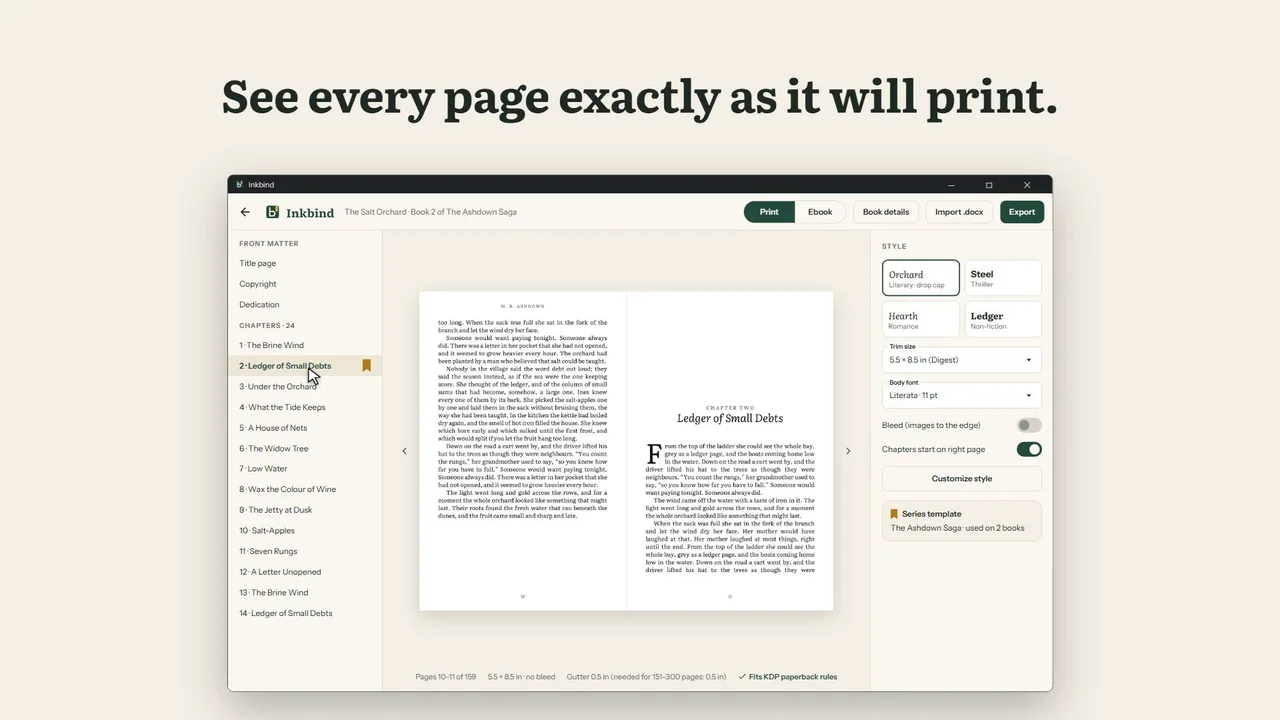
Inkbind on Windows: a two-page print preview of a novel, chapter list on the left, book style on the right

24-second demo. The video loads from YouTube only when you press play.

Formatting the book shouldn't be harder than writing it.

"The best formatter only runs on a Mac, so I'd have to buy or rent a Mac just to lay out my paperback."

"The browser tools need the internet to import and export, and I can't use my own fonts."

"I publish three or four books a year. Paying every month for a tool I open a few weeks per book makes no sense."

A real book formatter that lives on your PC.

Real pages, as they print

The two-page preview is the PDF itself, so what you see is what KDP gets. Chapters open on a right-hand page, drop caps and running heads are set for you, and no paragraph leaves one line alone at the top or bottom of a page.
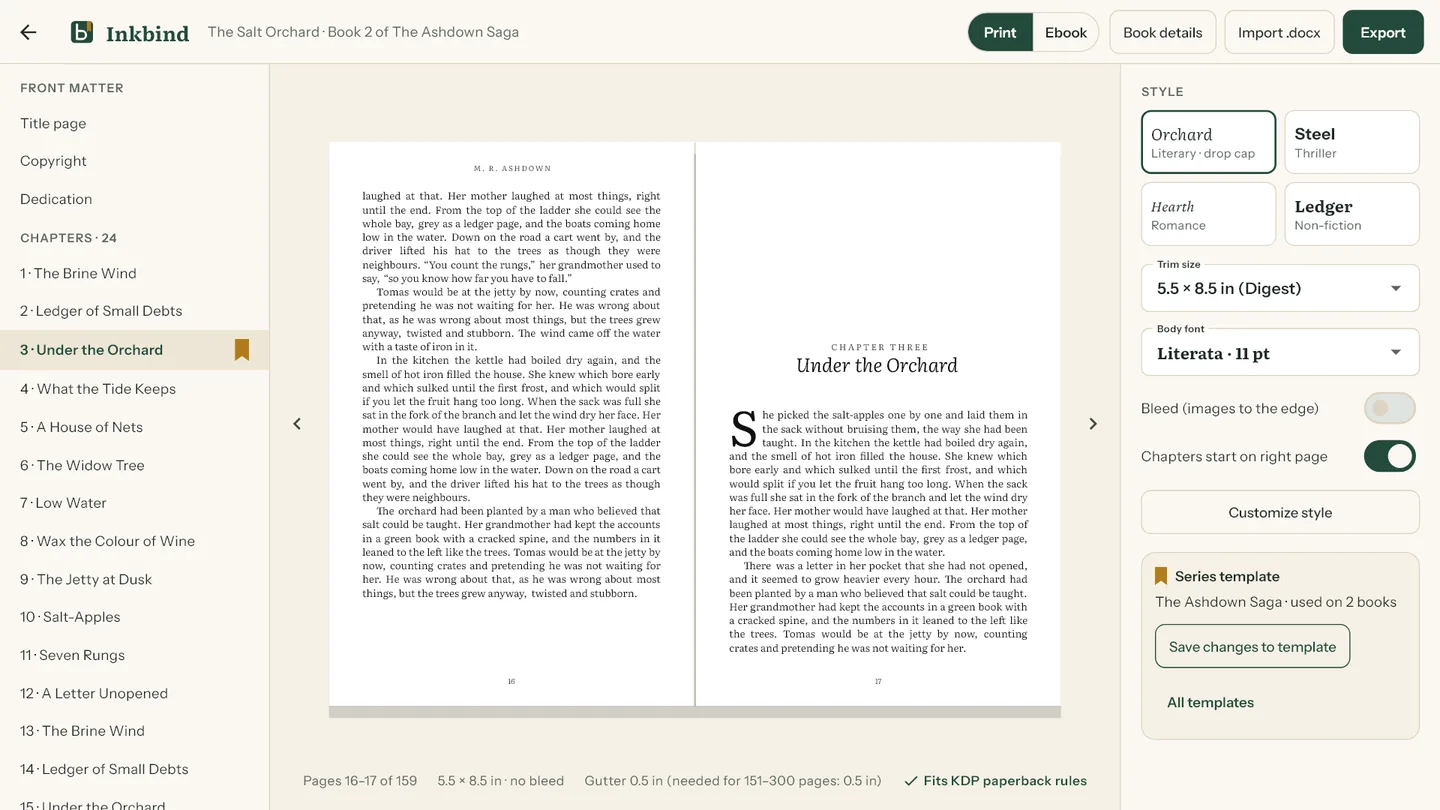
Two-page spread of a chapter opening with a drop cap, in the Inkbind editor

KDP rules, checked for you

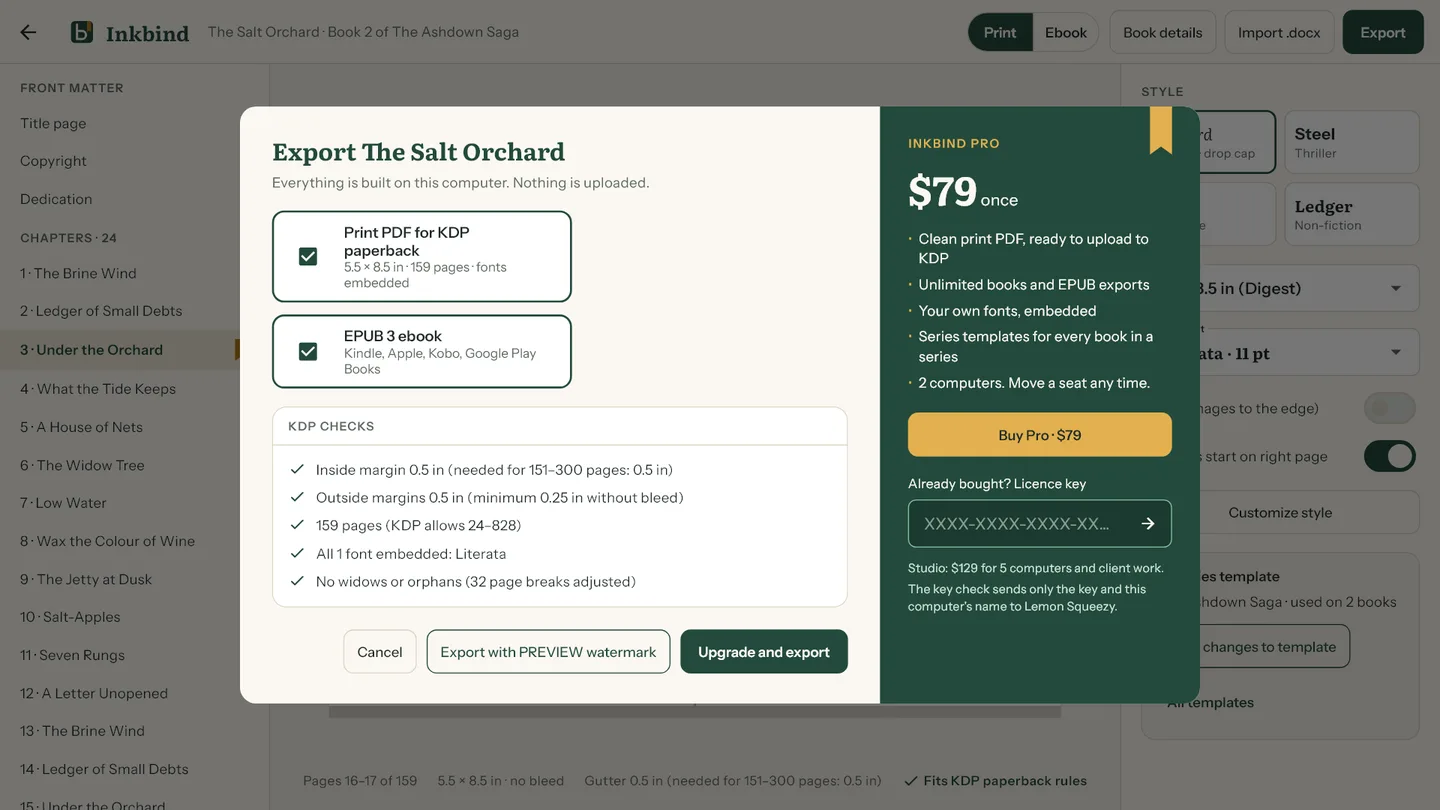
Every common trim size from 5 × 8 to 7 × 10 inches, bleed on or off, and an inside margin that grows with your page count: 0.5 inch for 151 to 300 pages, as KDP asks. A checklist runs before every export, and every font is embedded.

Export dialog listing KDP checks: inside margin, outside margins, page count, fonts embedded, no widows or orphans

Every detail, your way

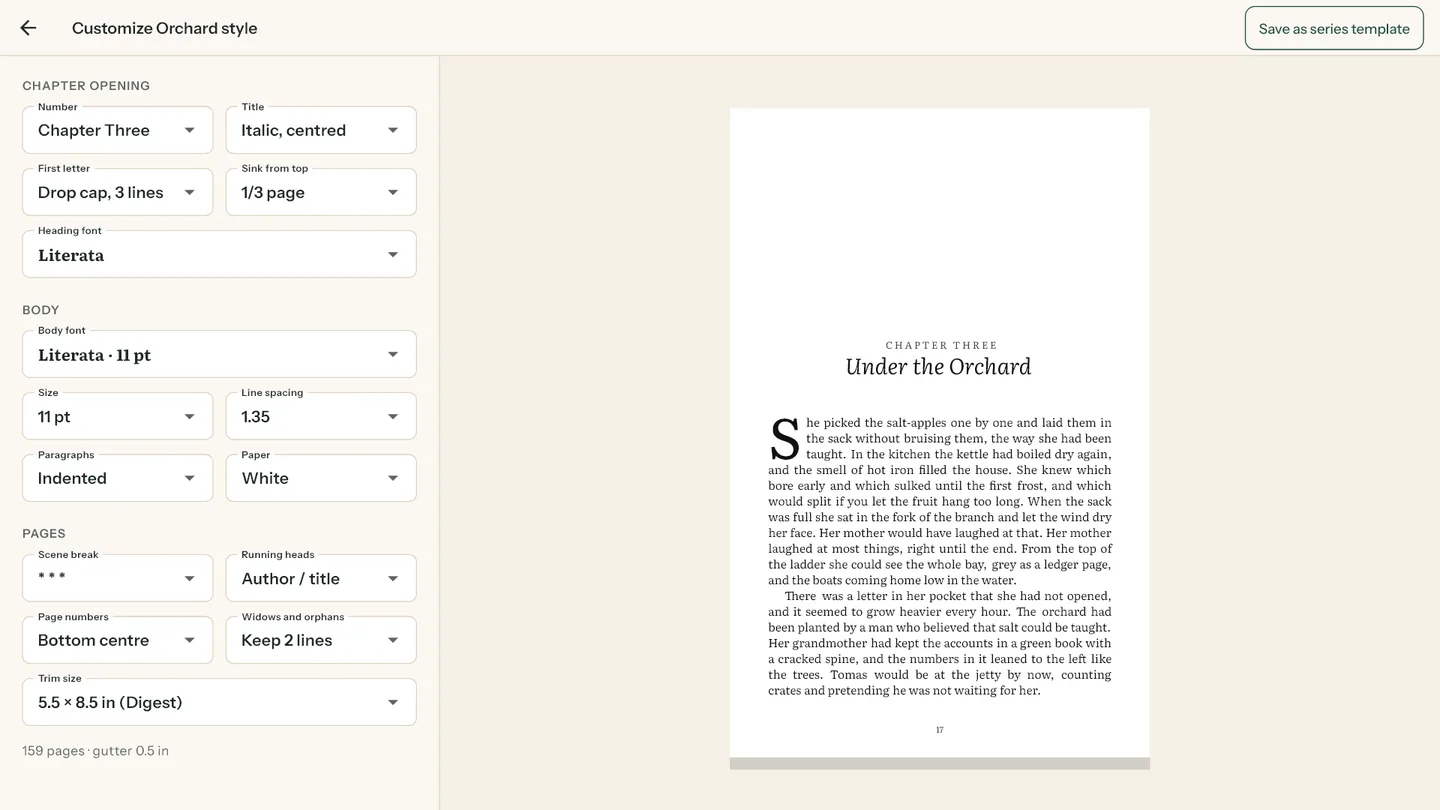
Start from four looks (literary, thriller, romance, non-fiction), then set chapter numbers, title style, drop caps or small caps, sink, body size, spacing, scene breaks and running heads. Bring your own .ttf or .otf fonts; Inkbind checks each licence allows embedding.

Customize style screen with chapter opening, body and page settings beside a live chapter page

One look for the whole series

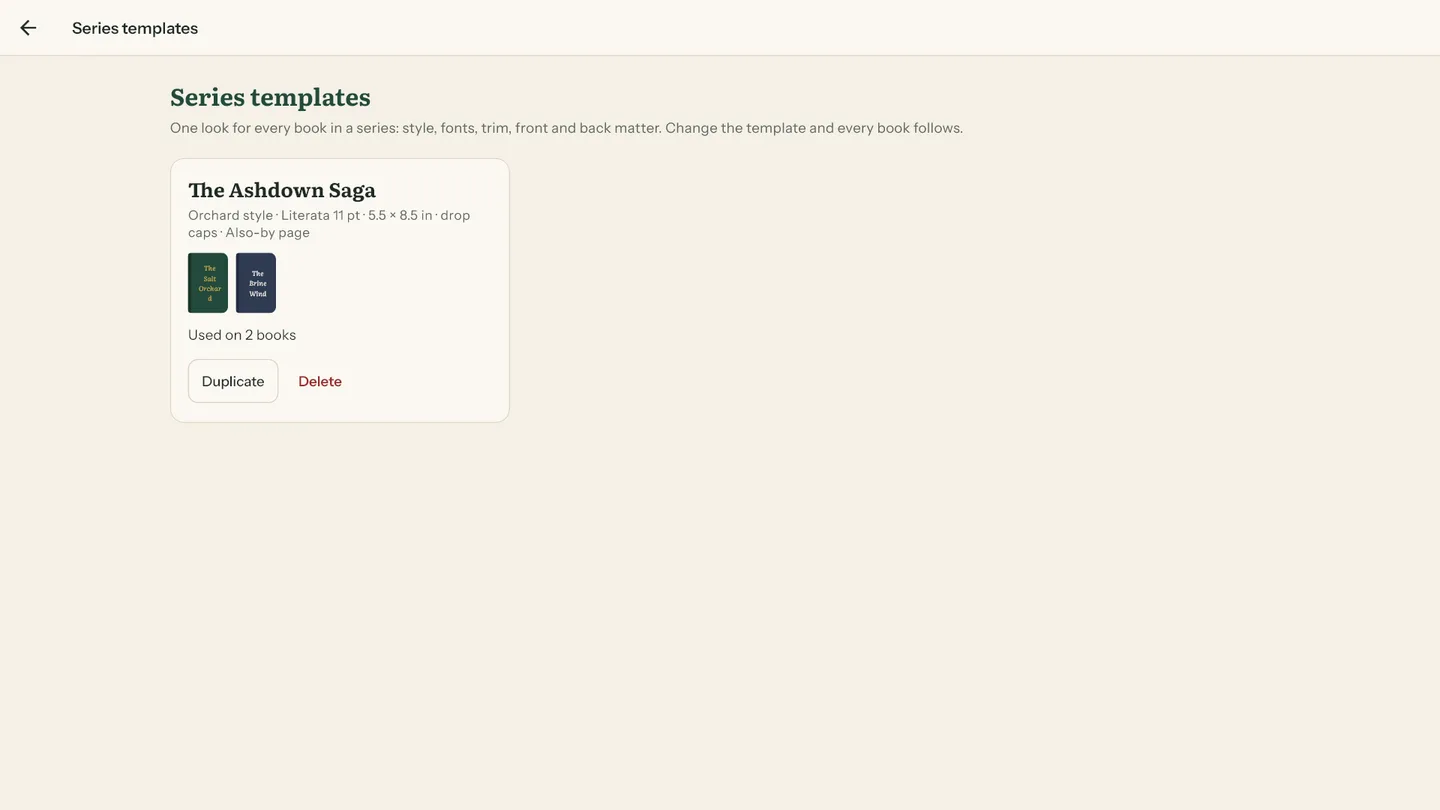
Save a series template and the next book gets the same fonts, trim and chapter openings in one click. Change the template and every book in the series follows.

Series templates screen showing The Ashdown Saga template used on two books

From Word file to finished book

Step 1

Import your .docx

Headings become chapters; italics and scene breaks come across.

Step 2

Pick a style

Four looks to start, every detail adjustable.

Step 3

Check the pages

Flip the spread, then switch to the ebook view.

Step 4

Export

A print PDF for KDP and an EPUB for every ebook store, built on your computer.

On your phone too

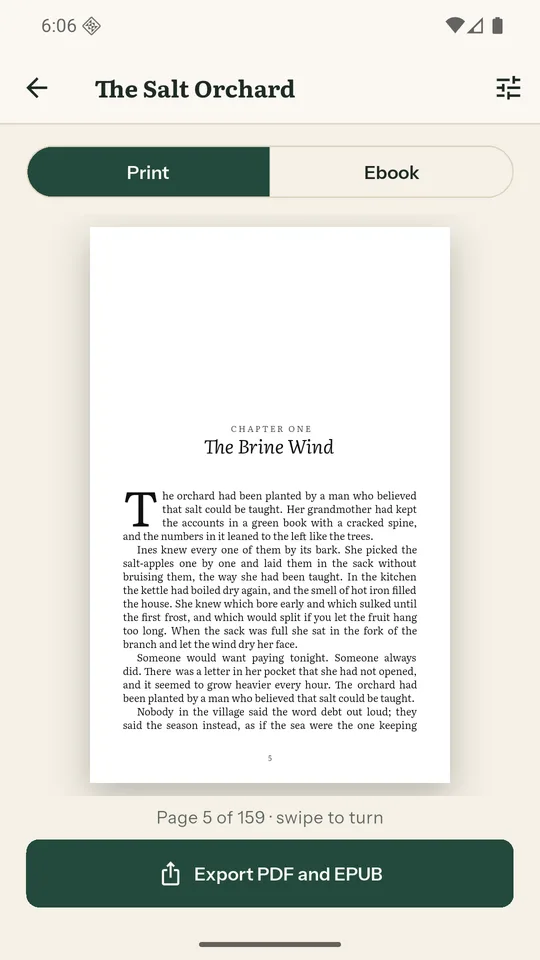
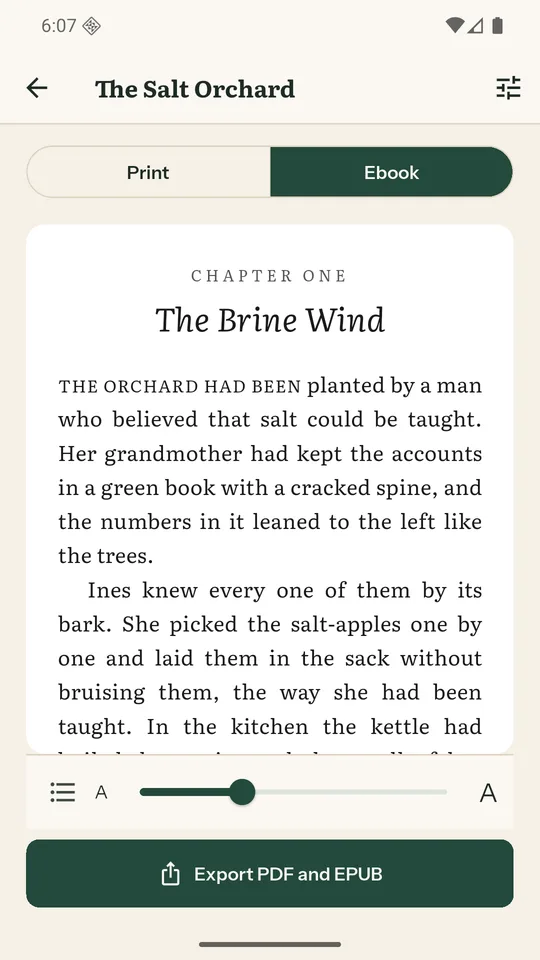
Inkbind for Android imports the same Word file, shows every page and the ebook, and exports the PDF and EPUB on the phone. It's free with ads: EPUB export is always free, and one short video exports a clean print PDF.

Print preview of a chapter opening on Android
Ebook preview on Android
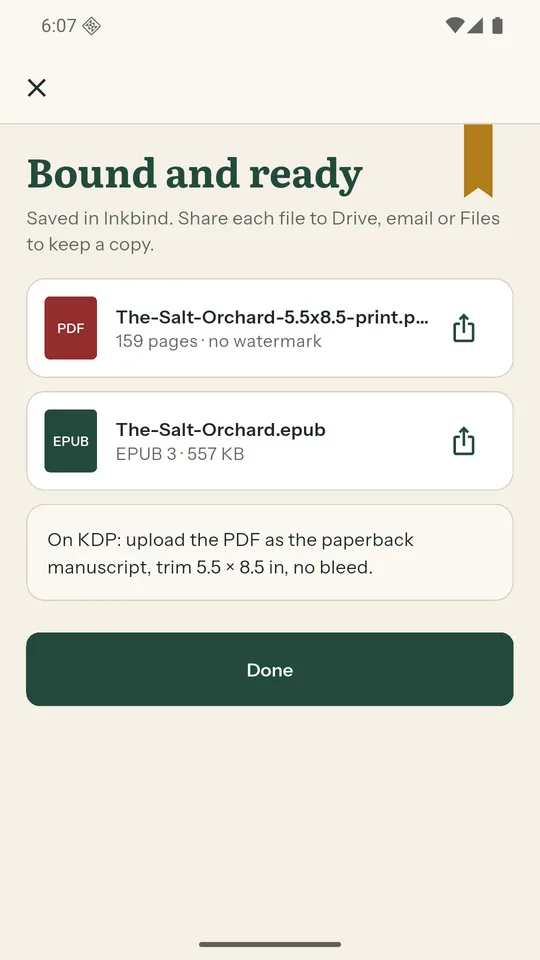
Export finished: print PDF and EPUB ready to share
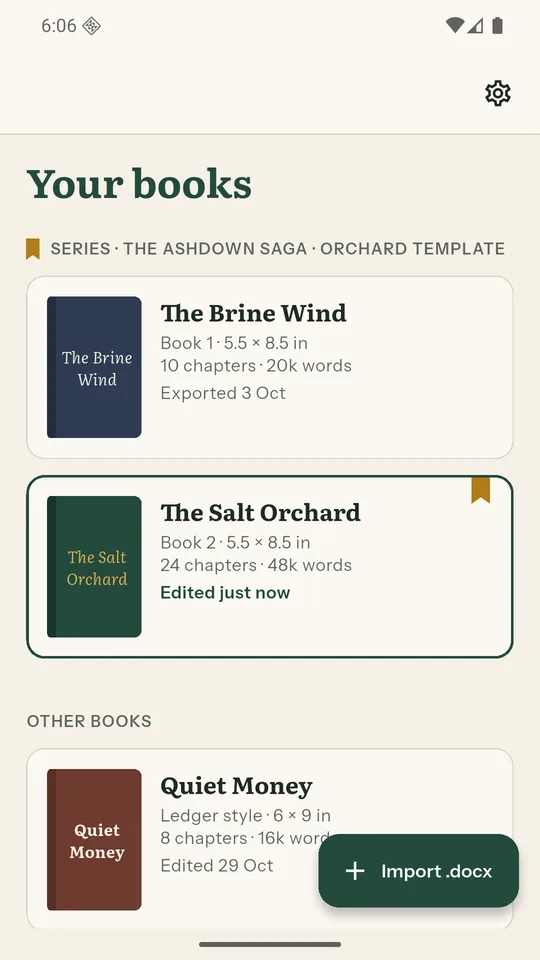
Inkbind on Android: your books screen

28-second teaser. Loads from YouTube only when you press play.

Pay once. Format every book in your series.

Free

$0

  • Preview every page, style and trim size
  • EPUB export for one book
  • Print PDF with a PREVIEW watermark, to proof the layout
Get it from Microsoft

Pro

$79 once

  • Clean, KDP-ready print PDF
  • Every book, unlimited EPUB exports
  • Your own fonts and series templates
  • 2 computers; move a seat any time
Buy Pro, $59 with INKLAUNCH

Studio

$129 once

  • Everything in Pro
  • 5 computers
  • Licensed for client work: formatters and small presses
Buy Studio

Five books in a series on Pro is $15.80 a book, once. You can also buy inside the app. Checkout by Lemon Squeezy; your licence key arrives by email.

Questions

Does it really work without the internet?

Yes. Import, preview and export run on your computer. Only the one-time licence check goes online.

Is my manuscript uploaded anywhere?

No. Your book never leaves your computer or phone. Projects are plain files in your Documents folder that you can back up.

Will KDP accept the PDF?

Inkbind sets the trim size, bleed and inside margin KDP asks for and embeds every font, then shows the checks before export. You still look through KDP's previewer, as with any tool.

What if my Word file is messy?

The import review shows every chapter it found, with word counts and anything it couldn't keep (tables and images). Change how chapters are found with one setting, or rename and leave out chapters.

Is it a subscription?

No. Pro is $79 once for two computers, and you can move a seat to a new PC any time.

Does it run on a Mac?

Not yet. Inkbind is for Windows 10 and 11, and for Android phones.

Your next paperback, formatted tonight.

Free to try: no account, no credit card.